


pending
Message is being processed or sent.
Developers can use verified TextTorrent REST endpoints to connect business SMS workflows with their applications. Authenticate with API credentials, send supported SMS or MMS messages, retrieve conversation and campaign status data, and process inbound replies through documented API retrieval patterns.
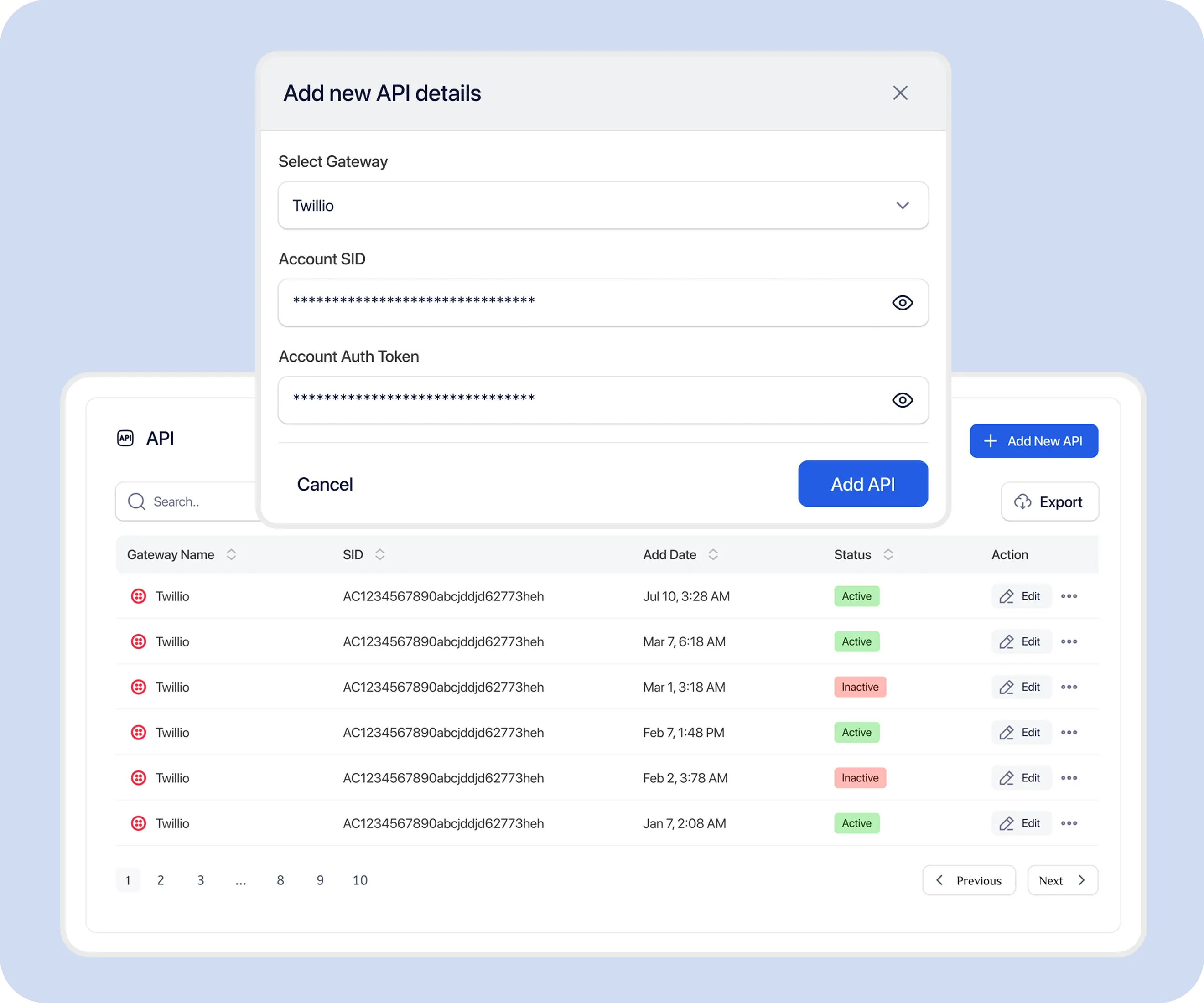
Teams often need text messaging to start from application events, return status to business systems, and keep replies connected to the right operational workflow.

Teams may need messages triggered from CRM, application, or operational activity instead of only from a manual composer.

Systems need verified message identifiers and status records to update workflows after a send attempt.

Inbound responses should connect to contact records, inbox conversations, or internal processes.

API-based messaging must still respect registration, consent, opt-outs, credits, and number configuration.
The TextTorrent API connects your application to authentication, SMS or MMS requests, sending numbers, campaign or inbox workflows, message identifiers, status records, contacts, Claims, analytics, and sub-account scope where supported.
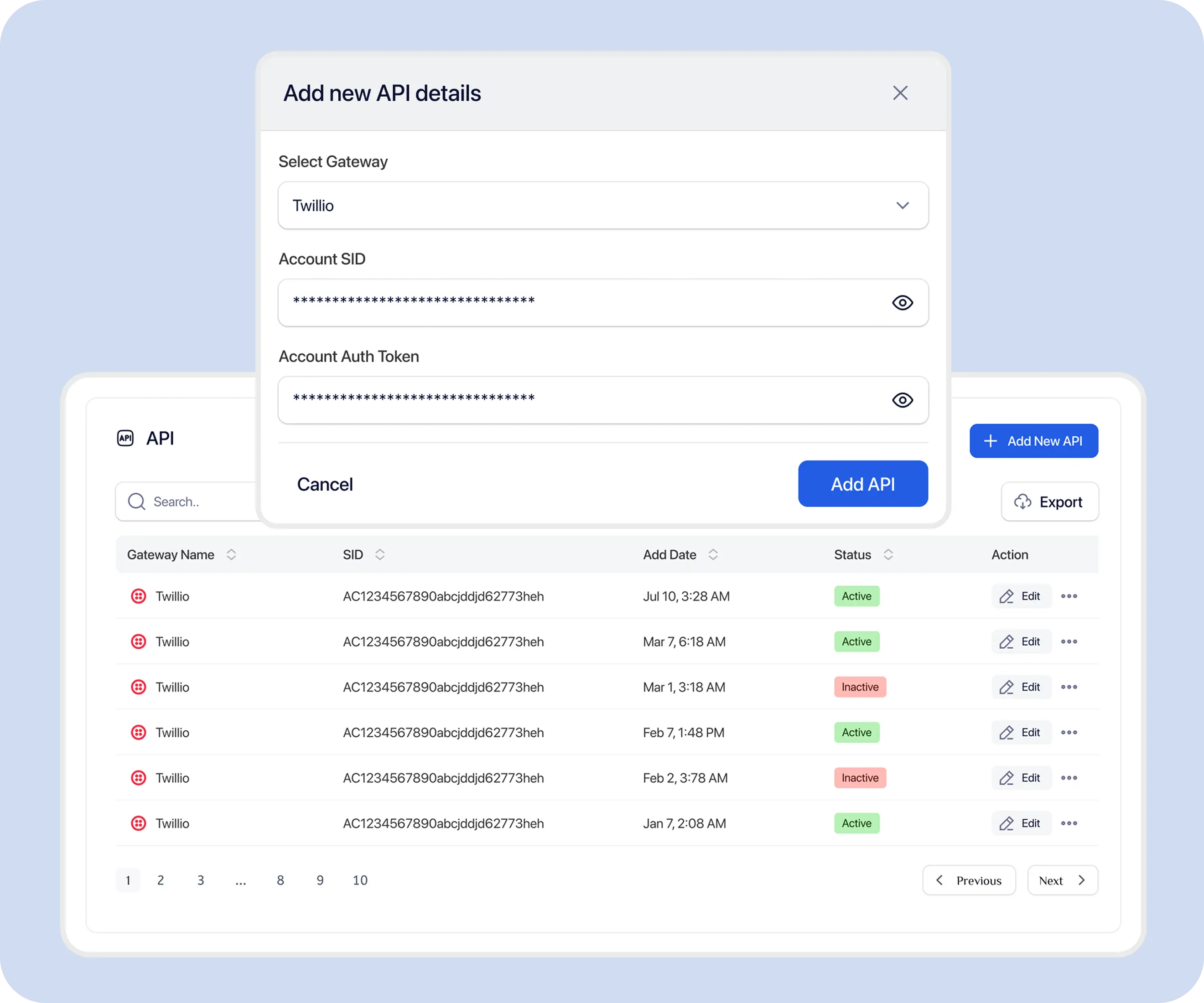
Use a clear sequence so credentials, documentation, test sends, identifiers, and reply handling stay connected.
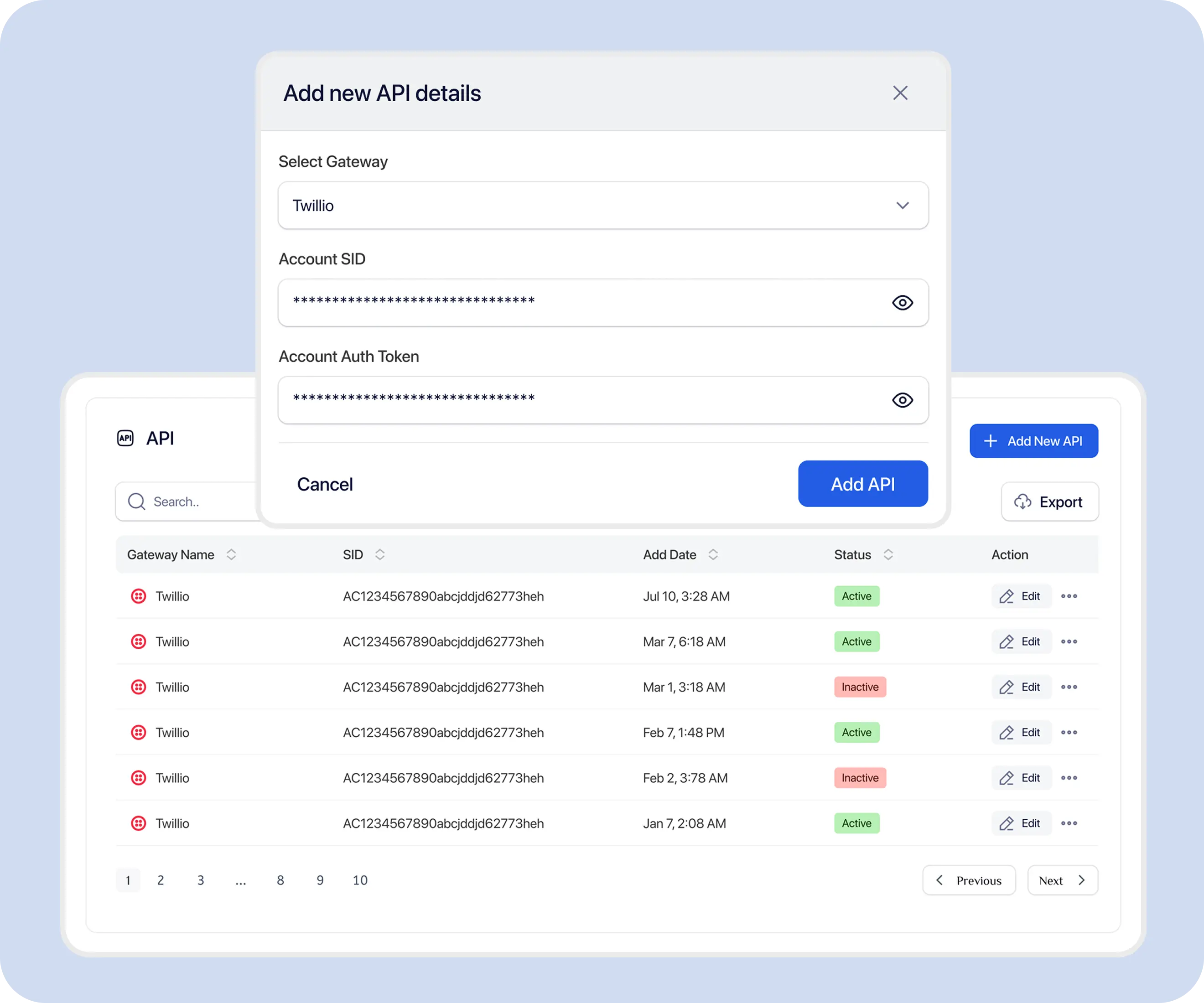
Find your Account SID and Public API Key in your TextTorrent account settings or API dashboard. Credentials are generated when the account is created.
Confirm the base URL https://api.texttorrent.com, the /api/v1 prefix, endpoint method, required fields, and response envelope.
Use approved internal or test contacts and an active sending number before integrating production audiences.
Submit an authenticated request through a verified endpoint such as POST /api/v1/inbox/chat or POST /api/v1/campaigning/bulk.
Store the message id, msg_sid, campaign_id, or other identifier returned in the success response.
Use campaign analytics message logs, inbox conversation endpoints, or credit logs to review later activity. Documented push webhook event catalogs are not currently published.
Read inbound replies through inbox APIs and Claims workflows, and handle validation, credit, or authentication errors using the documented response envelope.
TextTorrent API requests use API-key authentication. Include both X-API-SID and X-API-PUBLIC-KEY on every request. Unauthenticated requests receive 401 Unauthorized.
X-API-SIDX-API-PUBLIC-KEYX-ACT-AS-USERX-API-SID: SID....................................
X-API-PUBLIC-KEY: PK.....................................
Content-Type: application/json
Accept: application/jsonScoped keys, automatic expiration, and dedicated key-rotation UI controls are not claimed unless confirmed in the current account interface.
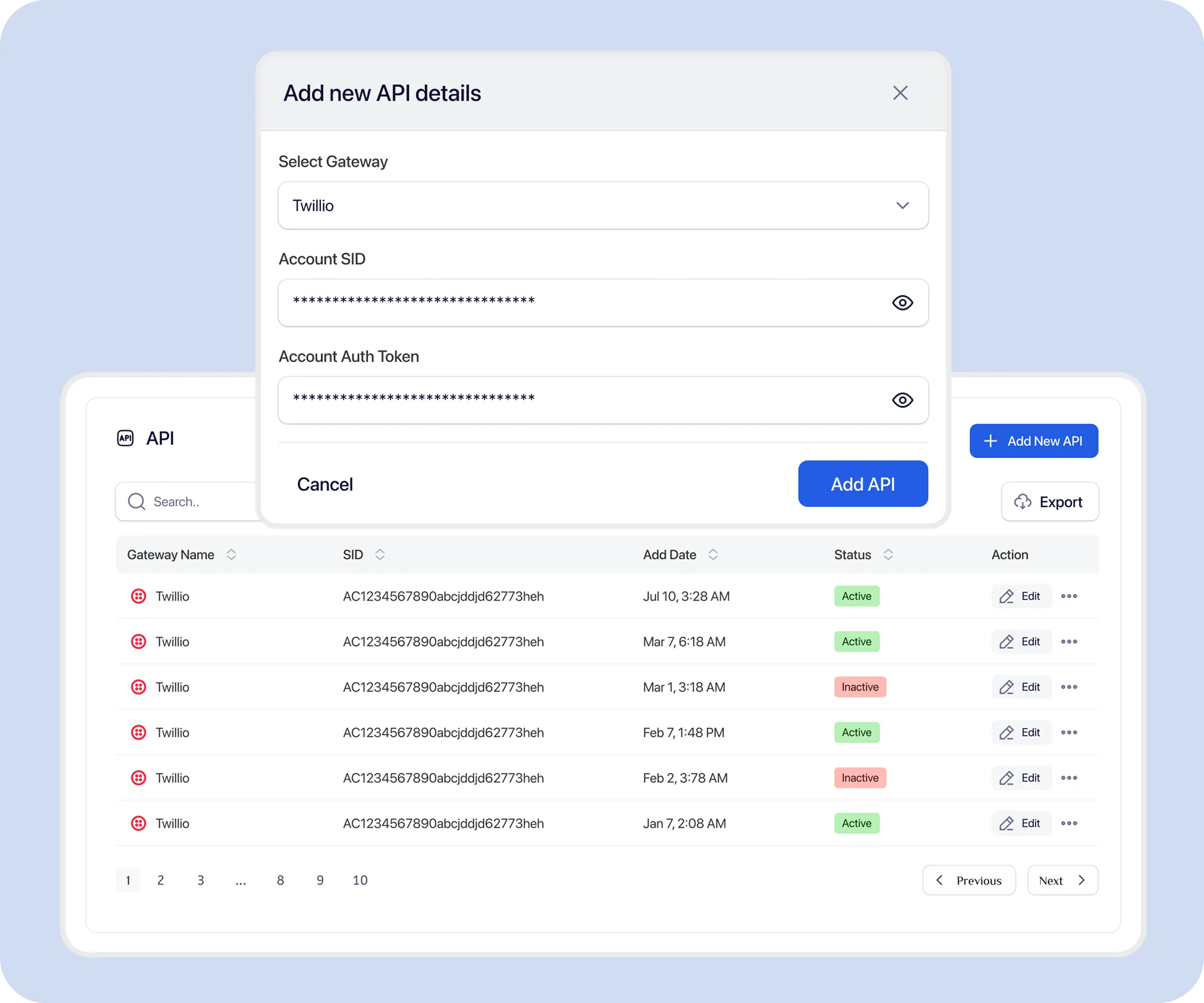
Send an SMS or MMS message to a contact in an existing conversation with POST /api/v1/inbox/chat. Use multipart/form-data and an active sending number from your account.
POST/api/v1/inbox/chat
| Field | Type | Required | Description |
|---|---|---|---|
message | string | Yes | Message content (max 5000 characters). |
chat_id | integer | Yes | ID of the conversation thread. |
from_number | string | Yes | Sender phone number that exists in your active numbers. |
to_number | string | Yes | Recipient phone number. |
chatFile | file | No | Optional media attachment for MMS (image, video, or audio). |
curl -X POST "https://api.texttorrent.com/api/v1/inbox/chat" \
  -H "X-API-SID: SID...................................." \
  -H "X-API-PUBLIC-KEY: PK....................................." \
  -H "Accept: application/json" \
  -F "message=Hello! How can I help you today?" \
  -F "chat_id=1234" \
  -F "from_number=+12025559999" \
-F "to_number=+12025551234"async function sendMessage(chatId, message, fromNumber, toNumber) {
const formData = new FormData();
formData.append("message", message);
formData.append("chat_id", String(chatId));
formData.append("from_number", fromNumber);
formData.append("to_number", toNumber);
const response = await fetch(
"https://api.texttorrent.com/api/v1/inbox/chat",
{
method: "POST",
headers: {
"X-API-SID": process.env.TEXTTORRENT_SID,
"X-API-PUBLIC-KEY": process.env.TEXTTORRENT_PUBLIC_KEY,
Accept: "application/json",
},
body: formData,
},
);
const data = await response.json();
if (!data.success) {
throw new Error(data.message || "Unable to send message");
}
return data.data;
}$ch = curl_init("https://api.texttorrent.com/api/v1/inbox/chat");
curl_setopt_array($ch, [
CURLOPT_POST => true,
CURLOPT_RETURNTRANSFER => true,
CURLOPT_HTTPHEADER => [
"X-API-SID: " . getenv("TEXTTORRENT_SID"),
"X-API-PUBLIC-KEY: " . getenv("TEXTTORRENT_PUBLIC_KEY"),
"Accept: application/json",
],
CURLOPT_POSTFIELDS => [
"message" => "Hello! How can I help you today?",
"chat_id" => 1234,
"from_number" => "+12025559999",
"to_number" => "+12025551234",
],
]);
$response = curl_exec($ch);
curl_close($ch);
$data = json_decode($response, true);
if (empty($data["success"])) {
throw new RuntimeException($data["message"] ?? "Unable to send message");
}{
"code": 201,
"success": true,
"message": "Message send successfully",
"data": {
"id": 5002,
"chat_id": 1234,
"direction": "outbound",
"message": "Hello! How can I help you today?",
"msg_type": "sms",
"file": null,
"api_send_status": "sent",
"msg_sid": "SMxxxxxxxxxxxxxxxxxxxxxxxxxxxxxxxx",
"created_at": "2025-10-17T15:30:00.000000Z",
"updated_at": "2025-10-17T15:30:05.000000Z"
},
"errors": null
}{
"code": 422,
"success": false,
"message": "Validation Error",
"data": null,
"errors": {
"message": ["The message field is required."],
"from_number": ["The selected from number is invalid."],
"chat_id": ["The chat id field is required."],
"to_number": ["The to number field is required."]
}
}To start a new conversation, use POST /api/v1/inbox/chat/create with receiver_number and sender_id before sending into an existing chat_id.
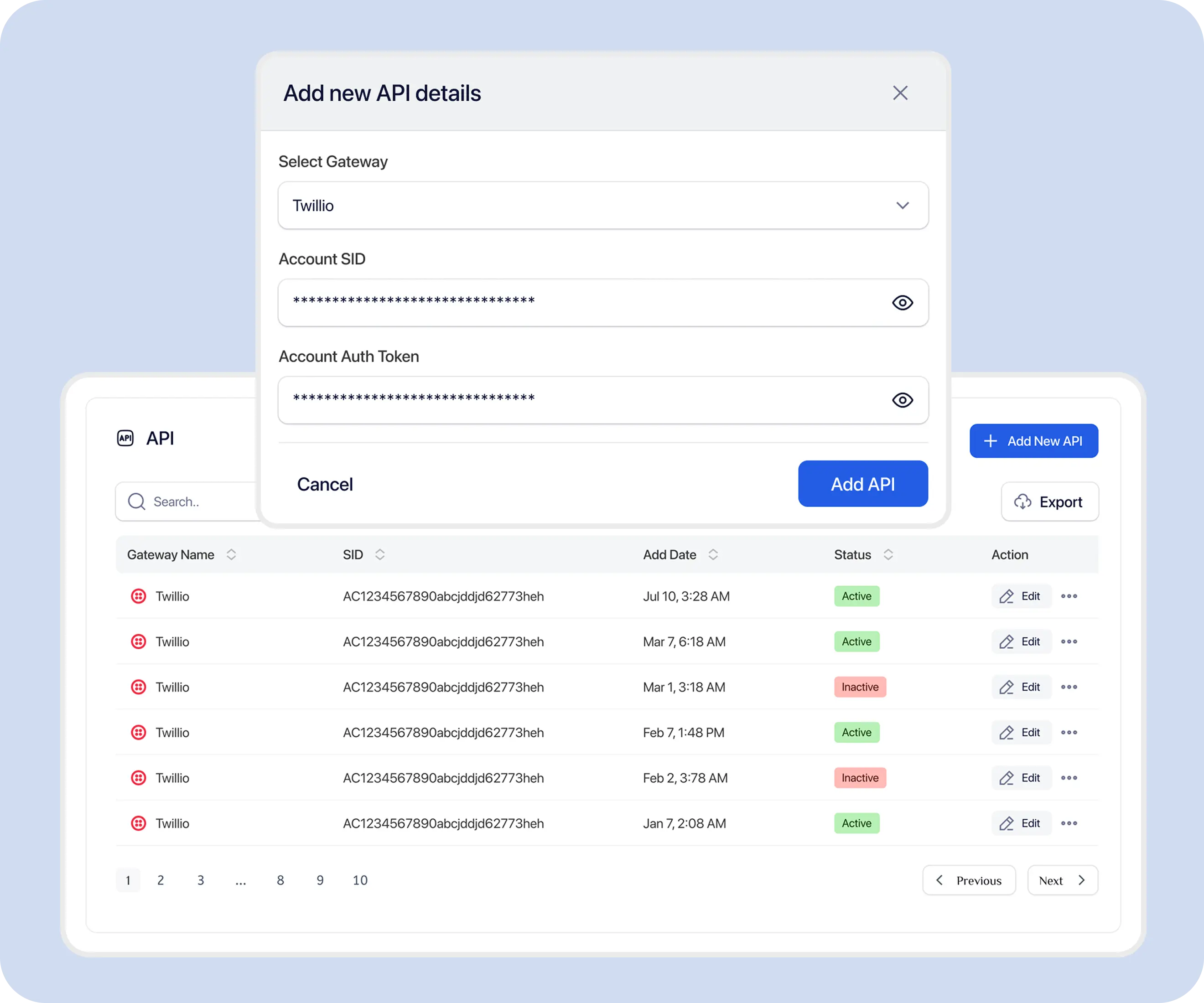
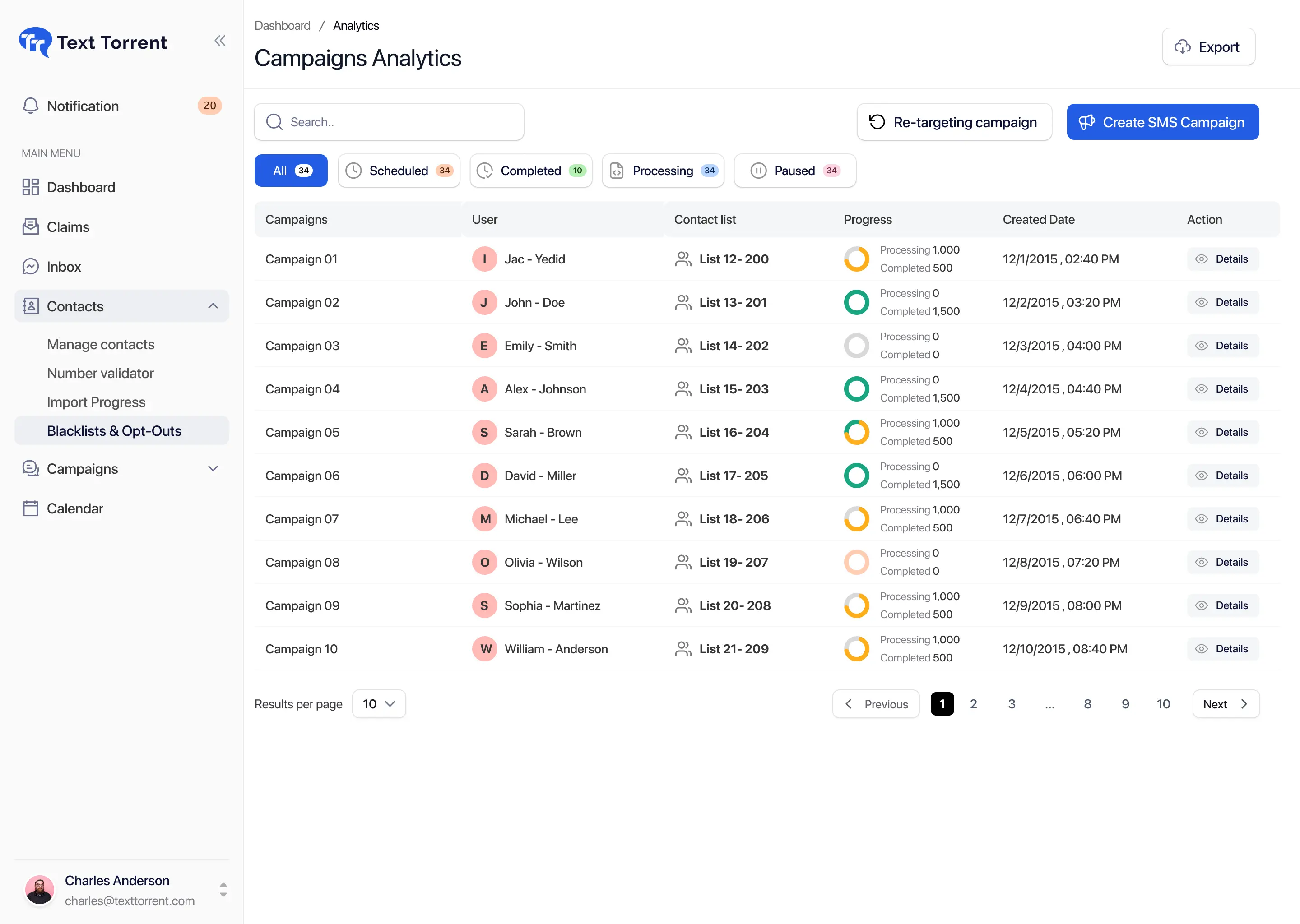
Create SMS or MMS campaigns with POST /api/v1/campaigning/bulk. Campaigns reference a contact list, template, message body, and one or more sending numbers.
POST/api/v1/campaigning/bulk
campaign_namecontact_list_idtemplate_idsms_type (sms or mms)sms_bodynumbers[]file (required for MMS)opt_out_linkbatch_processbatch_sizebatch_frequencyselected_dateselected_timeselected_usersnumber_poolround_robin_campaigncurl -X POST "https://api.texttorrent.com/api/v1/campaigning/bulk" \
-H "X-API-SID: SID...................................." \
-H "X-API-PUBLIC-KEY: PK....................................." \
-H "Accept: application/json" \
-F "campaign_name=Spring Sale Announcement" \
-F "contact_list_id=45" \
-F "template_id=12" \
-F "sms_type=sms" \
-F "sms_body=Hi {first_name}, don't miss our Spring Sale! Get 20% off all items. Shop now!" \
-F "numbers[]=+15551234567" \
-F "opt_out_link=true"{
"code": 200,
"success": true,
"message": "Campaign created successfully",
"data": {
"campaign_id": 567,
"total_credit": 1875,
"total_contacts": 1250,
"total_segments": 1
},
"errors": null
}
Open the complete endpoint documentation · Explore bulk SMS software
MMS is supported on inbox send with an optional chatFile attachment and on campaign create with sms_type=mms plus a required file. Confirm the sending number exposes capabilities.mms before relying on picture messaging.
Exact media size and type limits should be confirmed in the current API documentation and provider capability for the number in use.
Explore the MMS messaging platform
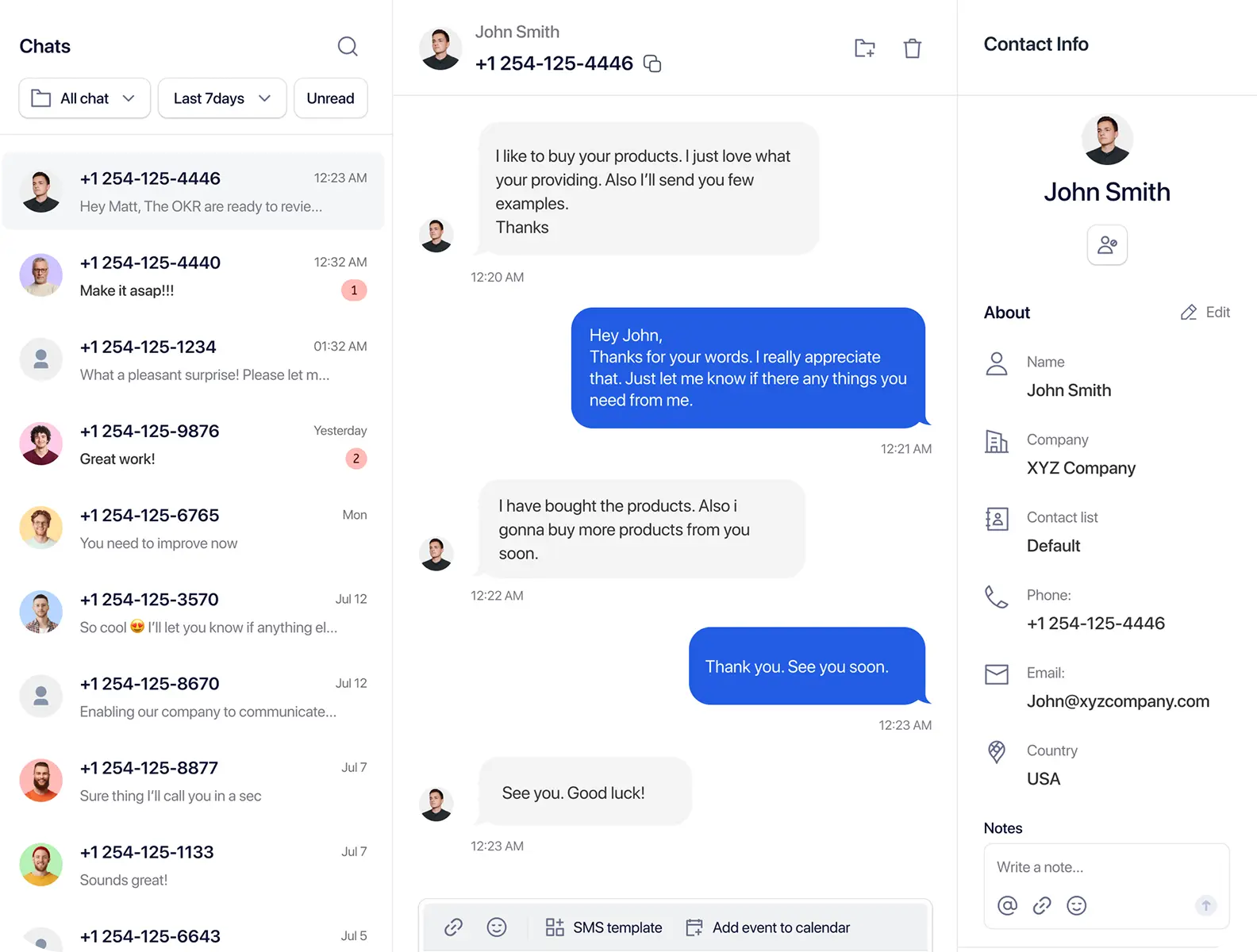
Customer replies enter TextTorrent conversation workflows and can be retrieved through inbox APIs. Incoming replies may also appear in Claims before a team member accepts them into the main inbox.
Customer replies to a business number.
TextTorrent stores the inbound conversation activity.
Your application retrieves conversations with GET /api/v1/inbox or chat details with GET /api/v1/inbox/{id}.
Unclaimed replies can be reviewed with Claims endpoints such as GET /api/v1/claim/list and GET /api/v1/claim/counts.
Accepted conversations continue in the inbox workflow where applicable.
Opt-out keywords and blacklist tools remain part of the broader messaging system.
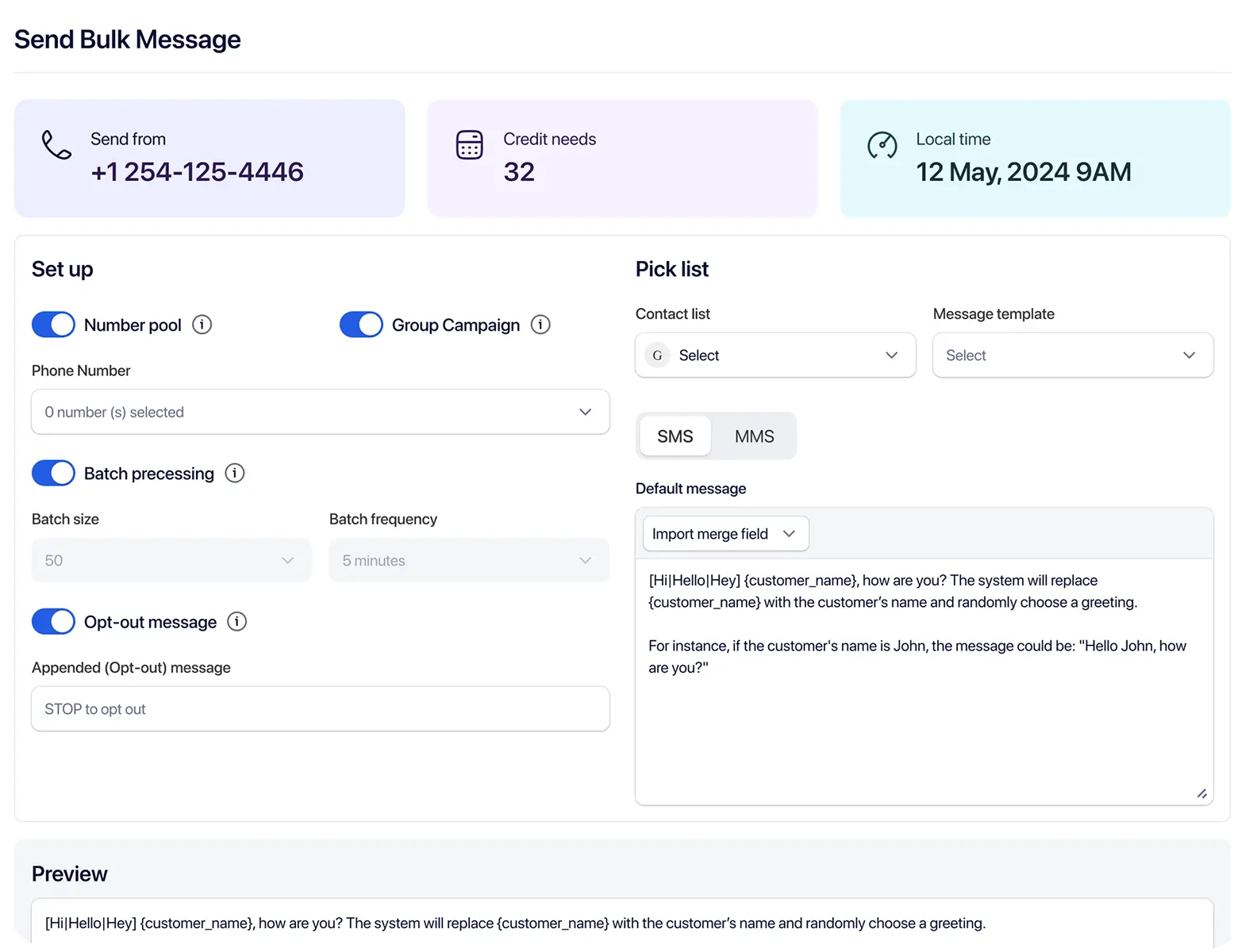
Campaign analytics and message logs expose documented send_status values. An initial success response means the request was accepted into the workflow—not that every later delivery outcome is already final.
pendingMessage is being processed or sent.
sentMessage was sent; delivery confirmation may still be pending.
deliveredMessage was delivered according to provider feedback.
failedMessage failed to send.
undeliveredMessage was sent but not delivered.
Review campaign analytics in the API docs · Explore SMS analytics
Current TextTorrent API documentation describes REST retrieval for inbox activity, campaign analytics, Claims, and credit logs. Best-practice notes mention polling or webhooks for real-time updates, but only a polling example is published today.
A webhook sends an HTTP request to your application when a supported messaging event occurs. TextTorrent’s public API documentation currently emphasizes REST retrieval and a polling example rather than a published push-event catalog.
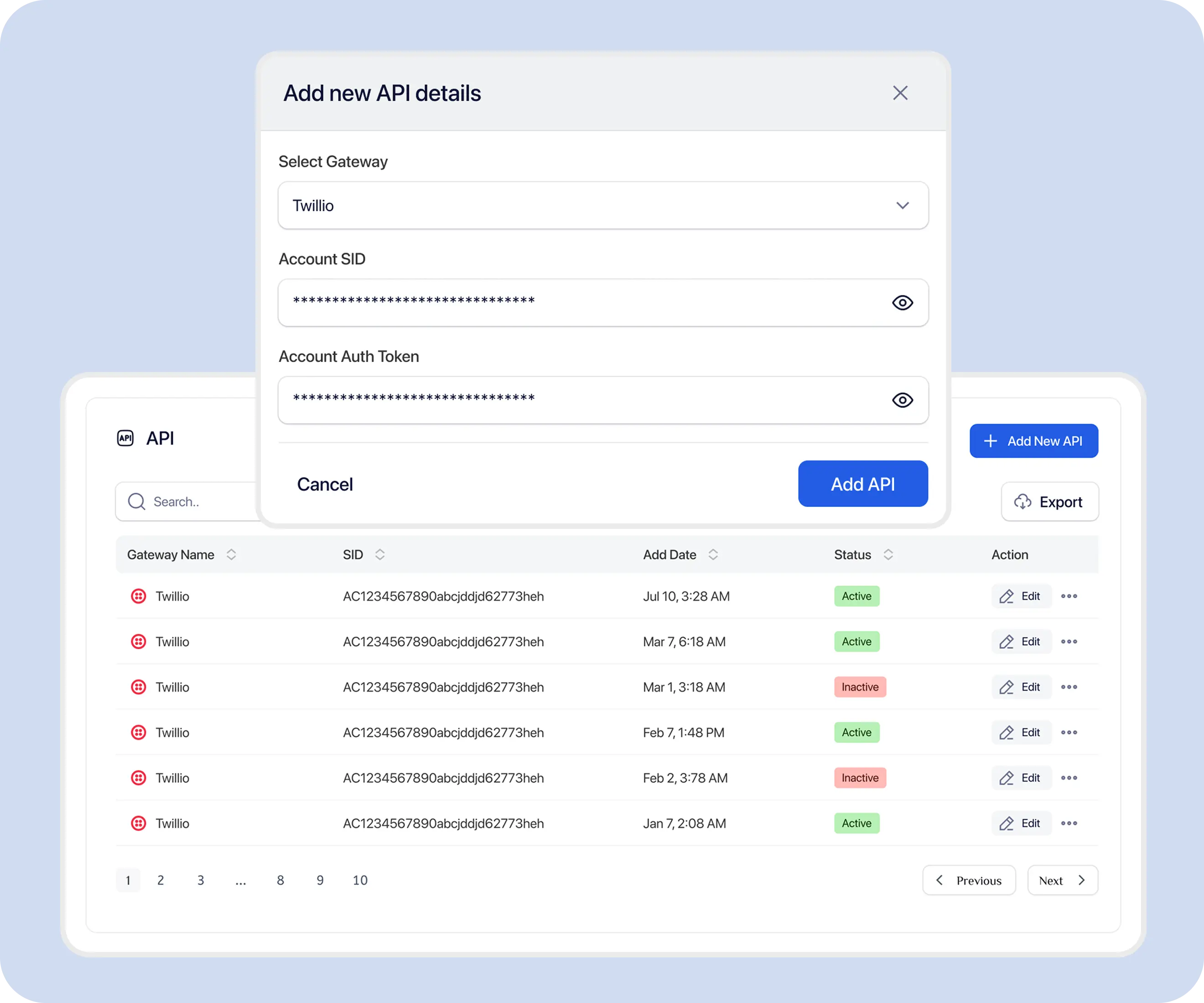
Contact endpoints support listing contact groups, adding and updating contacts, importing contacts, managing folders, and working with blocked-list or opt-out-word tools documented in the API.
Explore contact management · Explore SMS opt-out management
API access does not bypass number and registration requirements. Use active numbers from GET /api/v1/inbox/numbers/active and confirm SMS or MMS capability before sending.
TextTorrent supports parent and sub-account operations through act-as headers, Base64 email parameters, and inbox scope controls.
X-ACT-AS-USERParent accounts can act as an active sub-account by sending that user’s email in the X-ACT-AS-USER header.
email query parameterSome list endpoints accept a Base64-encoded sub-user email so a parent can inspect that user’s resources.
scope=include-all-sub-usersGET /api/v1/inbox supports scope=include-all-sub-users so a parent account can retrieve conversations across sub-users in one request.
Rate limits apply per parent user, not separately per sub-account, according to current authentication documentation.
TextTorrent API responses use a consistent envelope with code, success, message, data, and errors.
{
  "code": 422,
  "success": false,
  "message": "Validation Error",
  "data": null,
  "errors": {
    "message": ["The message field is required."]
  }
}{
"code": 422,
"success": false,
"message": "You do not have enough credits to perform this action.",
"data": null,
"errors": null
}
The documented API rate limit is 60 requests per minute per API key. Exceeding the limit returns 429 Too Many Requests with a Retry-After header.
Unlimited throughput and guaranteed synchronous processing are not claimed.
Treat messaging credentials and customer content as sensitive operational data.
Specific security certifications are not claimed on this page unless separately verified.
These examples show practical API use without implying native connectors for every CRM or operations platform.
Do not imply that every CRM is natively supported.
Explore CRM Lead Follow-Up messagingAvoid sensitive data in text messages.
Explore Application and Document Reminders messagingUse Claims and inbox ownership for team follow-up.
Explore Customer Support messagingOnly send messages permitted by consent and registration.
Explore Status and Notification Workflows messagingScenario: a business receives an opted-in lead through its application and needs a consistent first SMS plus a path for the reply.
Example message
Application creates or retrieves the contact through contact endpoints.
Application confirms current subscriber or blacklist status where available.
Application starts or reuses a conversation, then sends SMS with POST /api/v1/inbox/chat.
TextTorrent returns a message identifier such as id and msg_sid.
Application stores the identifier.
Later status is reviewed through campaign analytics or inbox records.
Customer replies.
Application retrieves the reply with inbox APIs.
Reply may also appear in Claims or the shared inbox where applicable.
A team member continues the conversation.
Example wording must be adapted to the business use case, consent process, and registration details. Creating a contact through the API does not create consent.
Most integration failures come from credential exposure, incorrect assumptions about delivery, or undocumented event contracts.

Keys must remain server-side.

Do not retry opt-outs, invalid numbers, or unchanged validation failures.

An initial success response may not equal final delivery.

SMS delivery does not provide a read receipt.

Do not invent event names or payloads. Use documented retrieval endpoints until a webhook catalog is published.

Confirm number and campaign status first.

Check opt-outs and blacklist records.
Protect phone numbers, message bodies, credentials, and customer information.
Developer integrations must still follow the same messaging responsibilities as the rest of the TextTorrent platform.
TextTorrent provides messaging APIs and operational tools, not legal advice. Customers and developers remain responsible for consent, registration accuracy, message content, opt-out handling, data protection, and compliance with applicable laws, carrier requirements, industry rules, and the terms of their messaging registration.
TextTorrent keeps developer endpoints connected to inbox conversations, campaigns, contacts, analytics, and account structure—not as an isolated send-only gateway.

Connect supported messages, contacts, campaigns, Claims, and reporting operations.
Retrieve customer-reply and message-status data through documented endpoints.
Move API-generated conversations into team workflows where supported.

Keep resources connected to parent and sub-account structures with act-as and scope controls.
Review messaging activity in the TextTorrent interface and through supported analytics APIs.
Practical answers for developers evaluating TextTorrent as a business messaging API.
An SMS API lets software applications send and manage supported text-messaging operations programmatically. With TextTorrent, that includes authenticated REST requests for inbox messaging, campaigns, contacts, Claims, analytics, credits, and related account operations documented at /docs/api.
Include both X-API-SID and X-API-PUBLIC-KEY headers on every request. Optional X-ACT-AS-USER lets a parent account act as an active sub-account by email. Unauthenticated requests receive 401 Unauthorized.
Yes. POST /api/v1/campaigning/bulk creates SMS or MMS campaigns using a contact list, template, message body, and sending numbers. Scheduling and batch options are documented for that endpoint. Bulk campaign creation is unavailable during trial according to current documentation.
Yes. Inbox send supports an optional chatFile media attachment, and campaign create supports sms_type=mms with a required file. Confirm the number exposes MMS capability before relying on picture messaging.
Current public documentation focuses on retrieving inbound conversation activity through inbox APIs and a polling example. A dedicated push-webhook event catalog, signing method, and retry schedule are not currently documented, so do not invent webhook contracts.
Documented campaign message send_status values include pending, sent, delivered, failed, and undelivered. Sent does not necessarily mean delivered, and delivered does not mean read.
The documented limit is 60 requests per minute per API key. Exceeding it returns 429 Too Many Requests with a Retry-After header. Rate limits apply per parent user, not separately per sub-account.
Yes. Use X-ACT-AS-USER for act-as requests, Base64 email parameters on supported list endpoints, and scope=include-all-sub-users on GET /api/v1/inbox for parent-account inbox aggregation.
TextTorrent provides blocked-list, Claims blacklist, and opt-out-word tooling documented in the API and product. Developers and customers remain responsible for checking suppression status and not continuing promotional messaging after STOP.
No. API access lets an application submit messages through the supported workflow, but delivery can still be affected by consent, contact quality, registration, number configuration, content, provider responses, carrier filtering, and other factors.