
Sales Agent
Typical example permissions: view contacts, send messages, and view inbox.
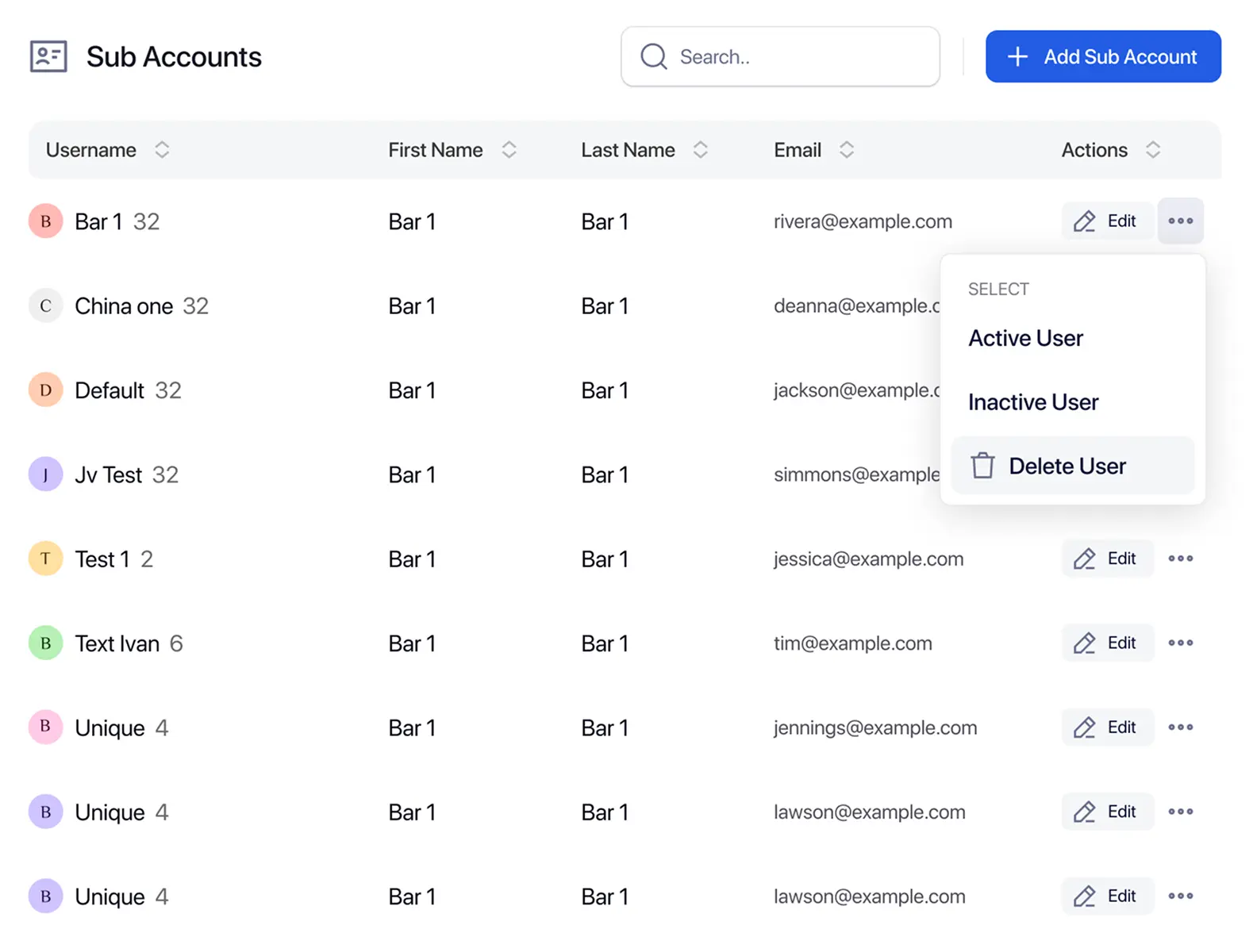
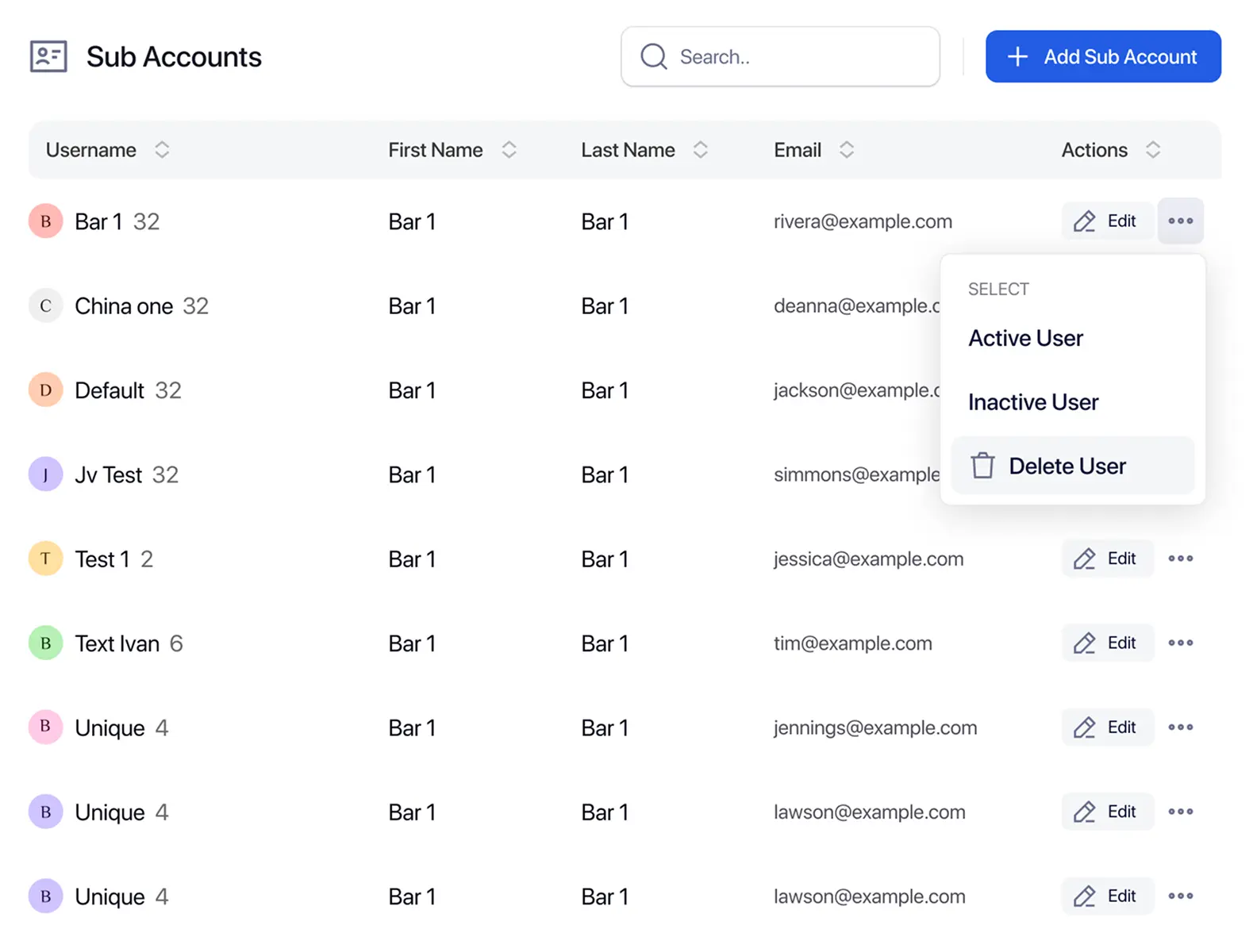
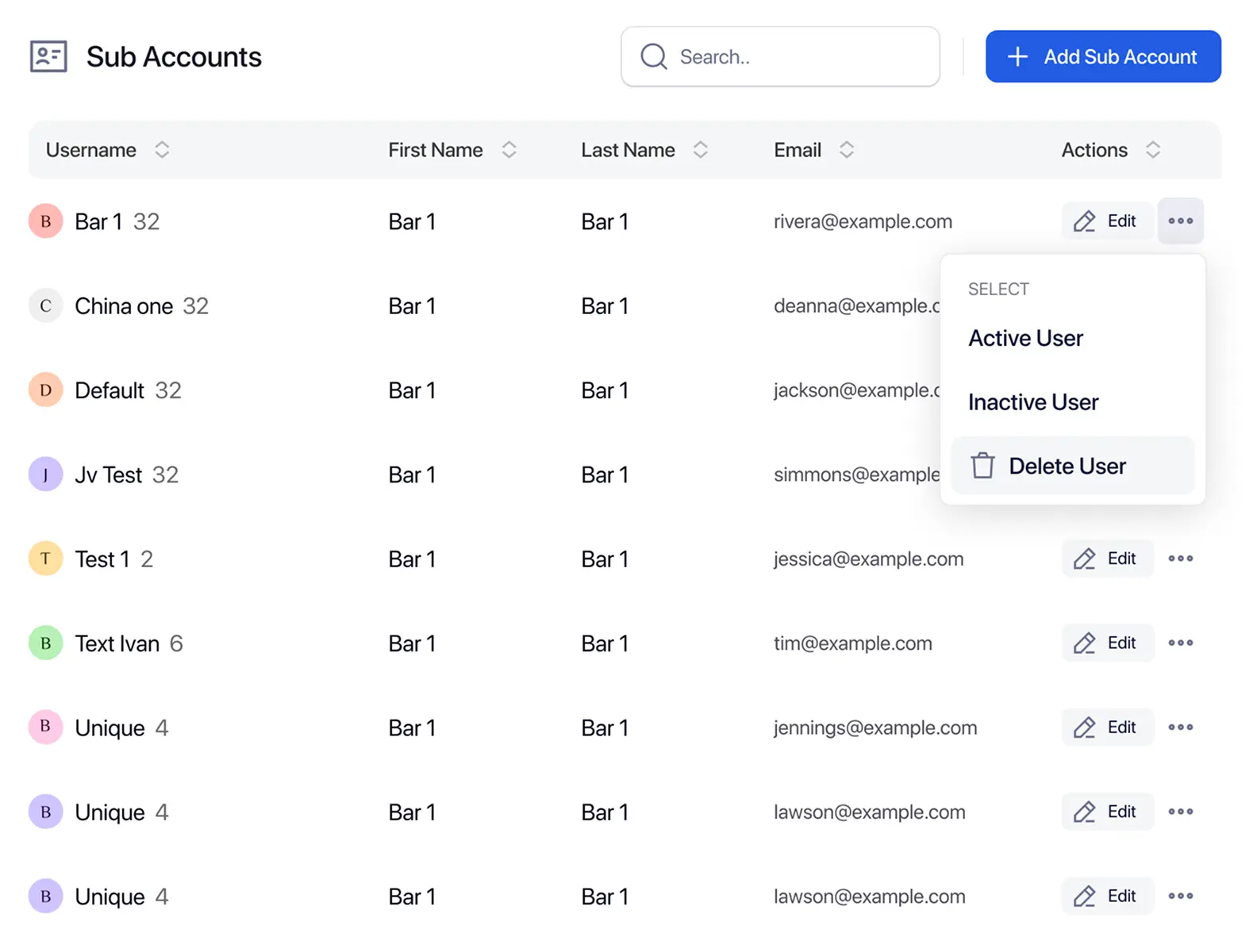
TextTorrent SMS sub-accounts help agencies and multi-team businesses create permissioned users for clients, departments, or locations. Assign roles and permissions so team access, campaign work, and conversation handling stay organized under one parent account.
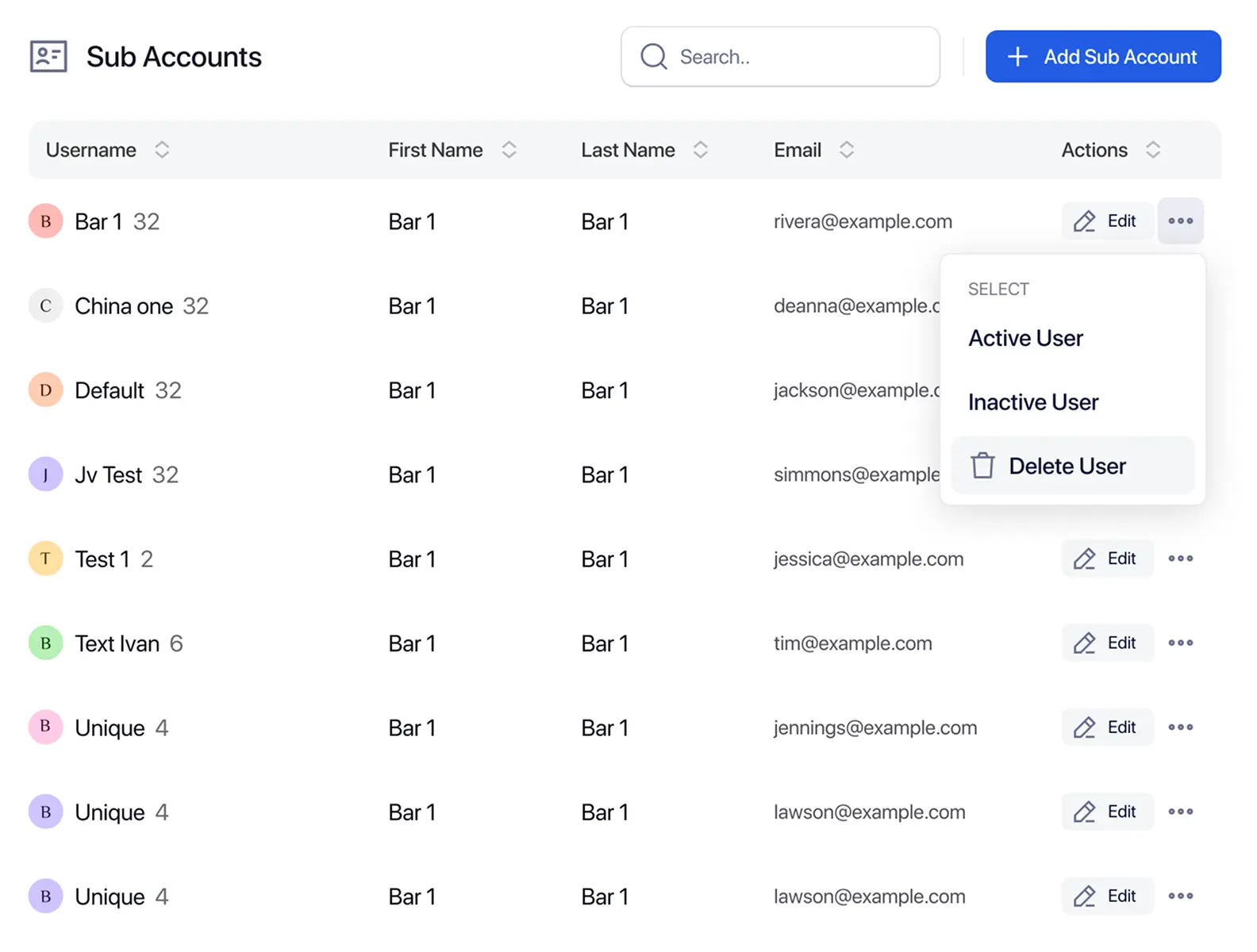
Agencies and multi-team organizations need clearer separation between unrelated messaging work. Without structured user access, client data, campaign ownership, and oversight become harder to manage.

Unrelated contacts, campaigns, and conversations should not be managed through one undifferentiated user setup when teams serve different clients or departments.

Every team member may not need the same ability to view contacts, send campaigns, or manage inbox conversations across the whole organization.

Teams need clear account context before sending or replying so client and department work stays attached to the right users.

Managers need a structured way to review supported account activity without manually combining unrelated team work.
TextTorrent connects a parent account to sub-accounts (permissioned users), roles, permissions, contacts, campaigns, numbers, templates, conversations, analytics, and plan limits. Use this hierarchy to organize day-to-day messaging work without inventing unsupported enterprise tenancy claims.
Parent Account → Sub-Account → Roles and Permissions → Contacts, Numbers, Campaigns, and Conversations
Use a clear setup sequence so roles, users, messaging tools, and oversight stay connected from the start.
Define the access each team member needs before assigning work. Available controls include roles and permission strings such as viewing contacts, sending messages, viewing the inbox, viewing analytics, creating campaigns, and managing notes.
Add the required user details: first name, last name, username, email, and password. Assign a role and optional permissions, then set a daily SMS limit when needed.
Use each sub-account for the client, department, or location work that person will handle. Access still depends on the role and permissions assigned to that user.
Associate supported contacts and business numbers with the messaging work those users will run. Do not assume automatic migration between unrelated account setups.
Prepare message templates and campaign access according to the permissions assigned. Templates are user-specific, and parent accounts can review supported sub-user templates where available.
Assigned users can manage campaigns and conversations within the access granted by their role, permissions, and daily SMS limits.
TextTorrent supports role-based access for sub-accounts. The role names below appear in TextTorrent API documentation as typical examples. Confirm the exact labels shown in your account before treating them as contractual UI names.
Typical example permissions: view contacts, send messages, and view inbox.
Typical example permissions: contacts, messaging, inbox, analytics, and campaign creation.
Typical example permissions: contacts, messaging, inbox, and notes management.
Typical example setup with broader permissions and no daily SMS limit (0 = unlimited in API terms).
Use sub-accounts to organize who can work on which client, department, or location activity. Access is scoped by role and permissions. This is account-level organization—not a claim of complete legal database isolation.
TextTorrent helps organize users and access. Customers remain responsible for configuring permissions, protecting customer data, and keeping client or location work in the correct operational context.
Parent accounts can manage supported sub-account settings while assigned users handle day-to-day messaging inside their granted access.
Do not assume a consolidated cross-account analytics dashboard. Parent oversight covers the supported management actions listed for your account.
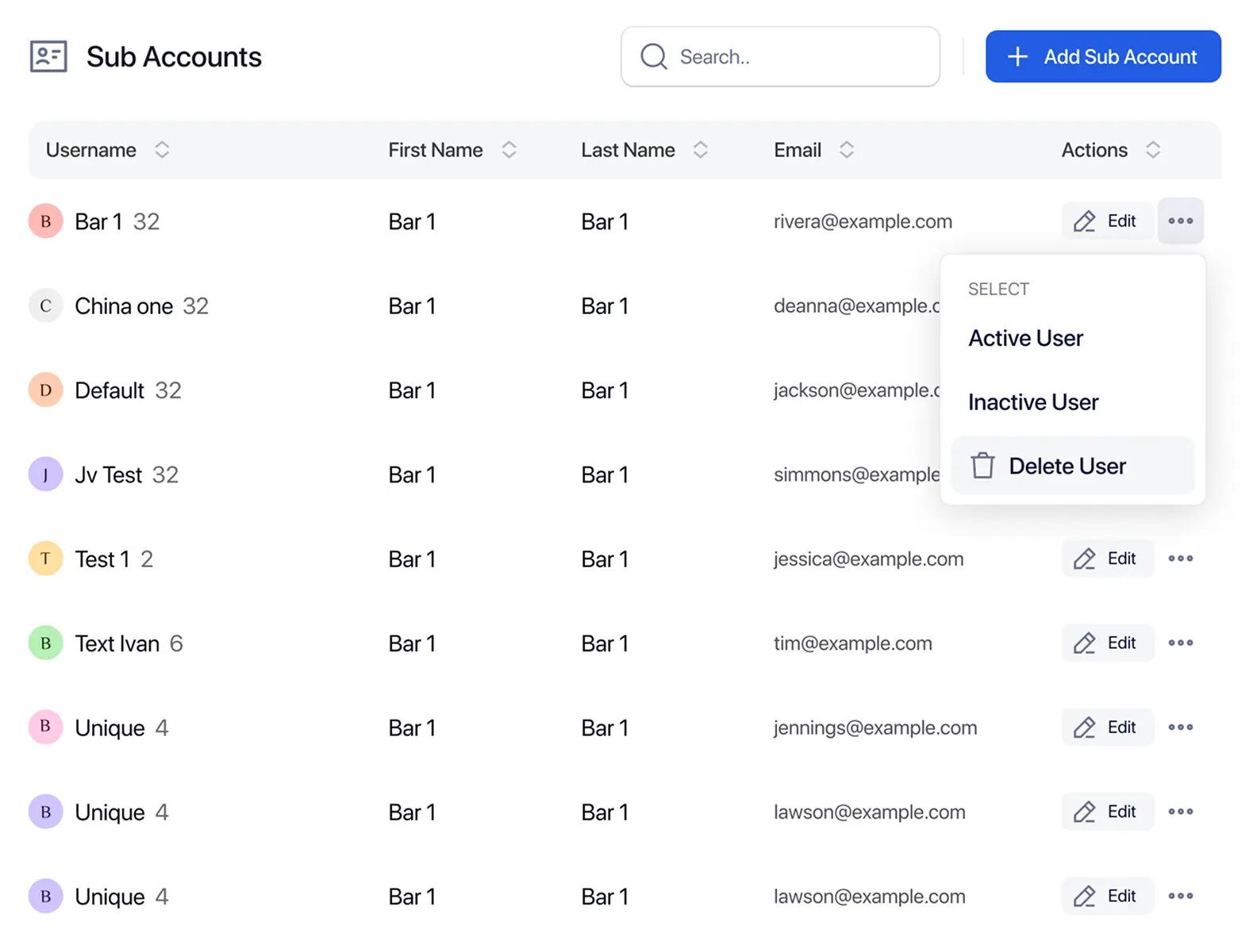
Scenario: an agency manages SMS campaigns for five clients. Use sub-accounts to assign the right people, permissions, and messaging context to each client’s work.
Scenario: a business operates several locations, each with its own team and customer list. Create sub-accounts for local users, then keep location work organized through permissions and account context.
Centralized cross-location reporting is not claimed unless your account shows a dedicated consolidated report.
Before sending, confirm the active user context, audience, number, and template. Account context helps reduce operational mistakes, but software cannot prevent every user error.
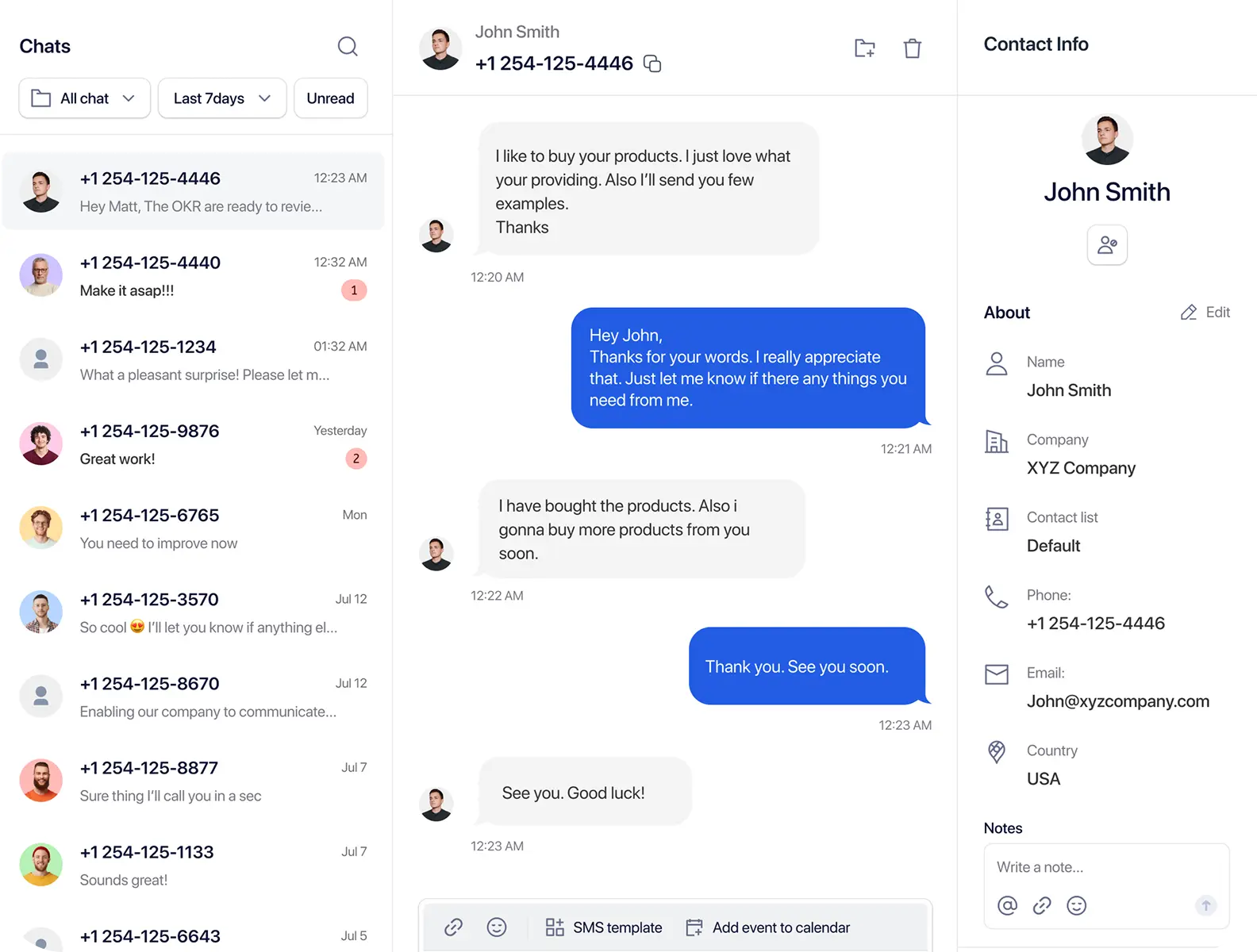
Message templates help teams reuse approved wording for campaigns and two-way replies. In TextTorrent, templates are user-specific. Parent accounts can review supported sub-user templates where that access is available.
A multi-step legal-review or enterprise approval chain is not claimed.
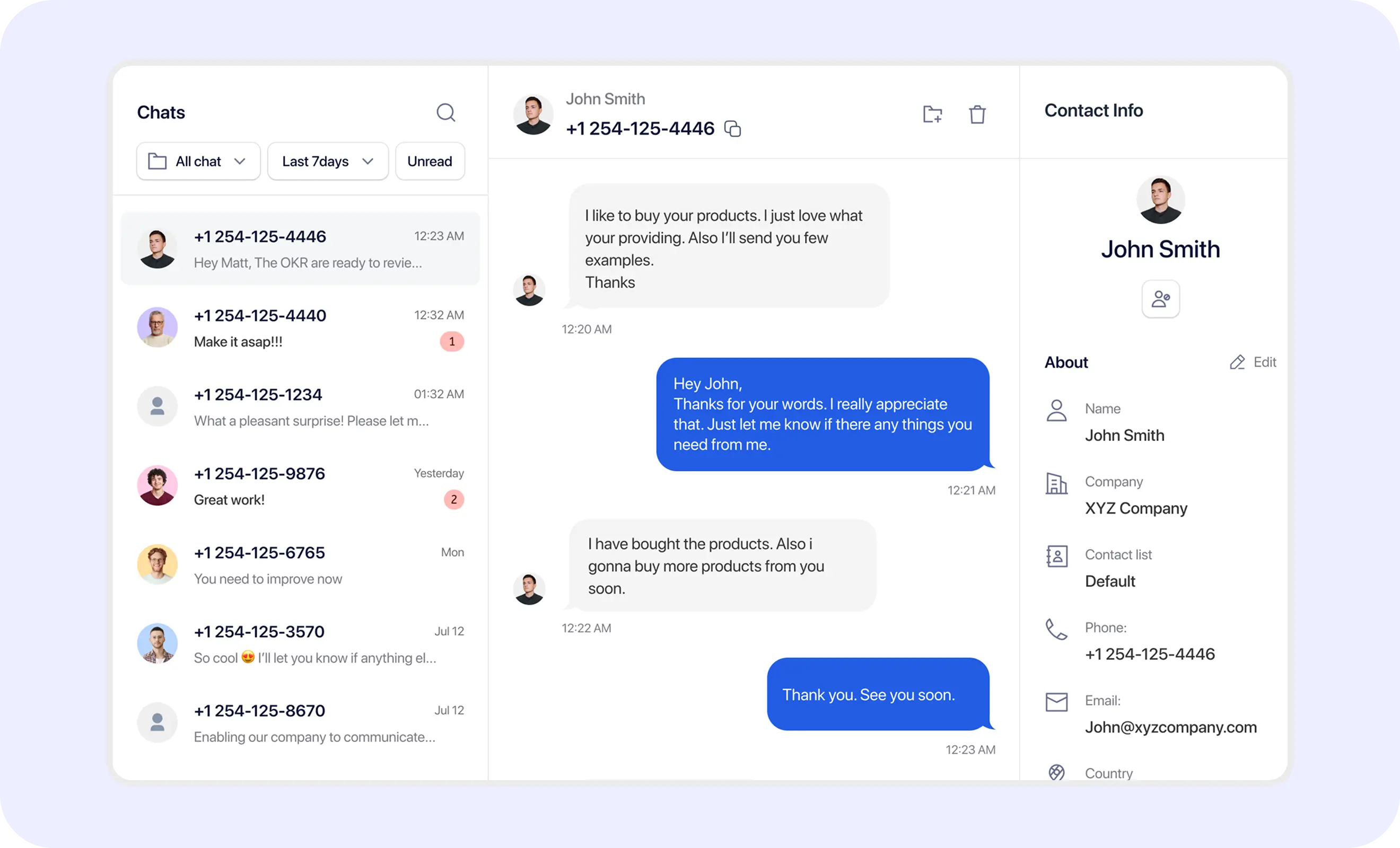
Business numbers should match the client, department, or location context before campaigns and conversations begin. Number capability and availability may vary by registration status and account setup.
Unlimited numbers per sub-account and number portability are not claimed. Confirm current number options in your account.
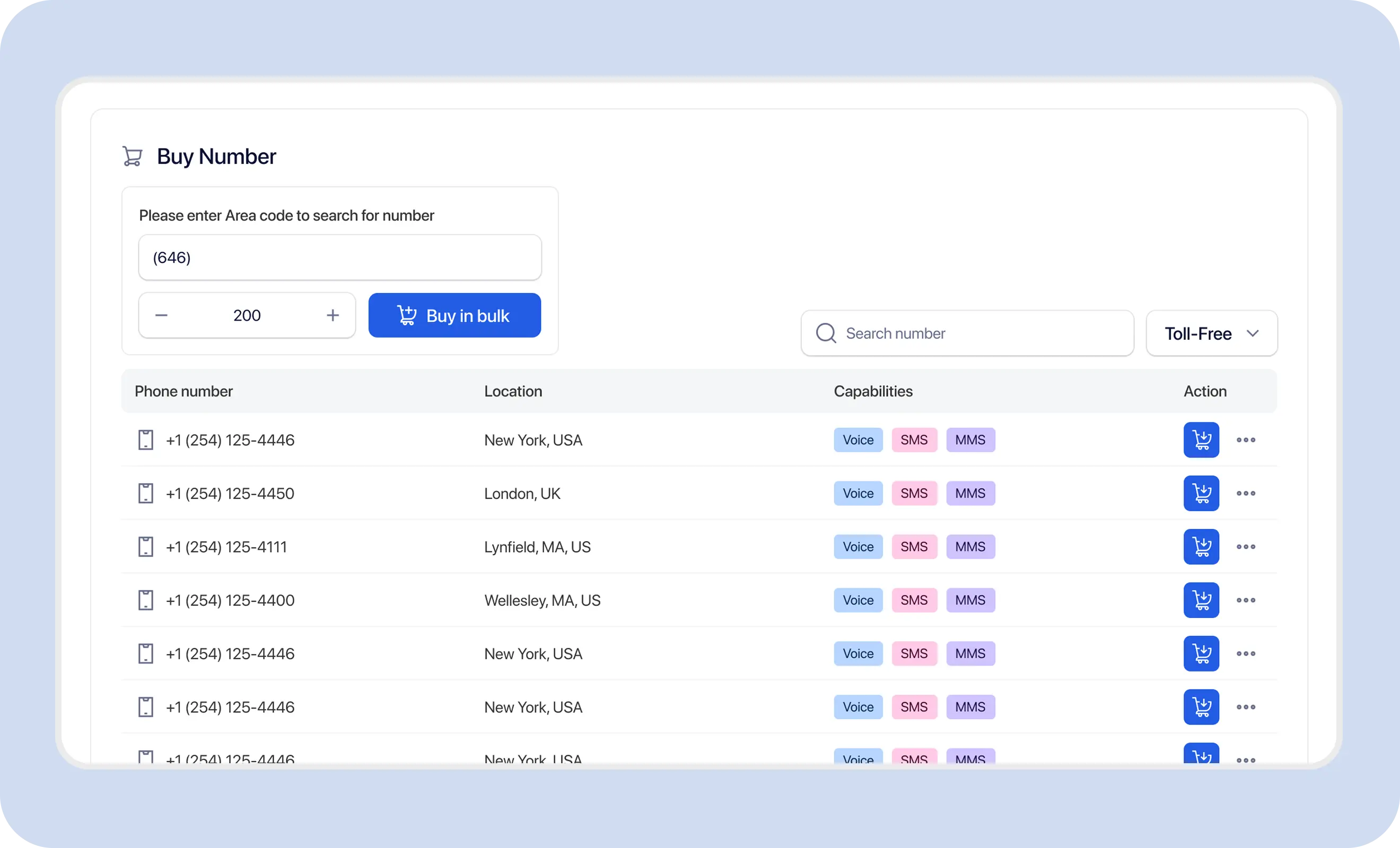
Incoming replies, Claims, inbox ownership, contact history, and assigned users should stay connected to the correct account context before someone claims or responds to a conversation.
A unified inbox across every sub-account, automatic round-robin routing, and collision detection are not claimed.
Explore two-way text messaging
Sub-account limits come from the current TextTorrent pricing configuration. Unlimited does not remove fair-use, technical, or account restrictions.
Up to 5 sub-accounts
Growth includes up to 5 sub-accounts according to the current pricing configuration.
Unlimited sub-accounts
Pro includes unlimited sub-accounts according to the current pricing configuration.
TextTorrent does not charge an additional platform seat fee when users are added.
Example scenario: an agency manages SMS communication for a mortgage company and needs a clear user setup for that client’s work.
Create a sub-account for the mortgage client’s account manager.
Assign the agency account manager and approved team members with appropriate roles.
Add or import the client’s opted-in contacts.
Use the client’s approved business number for sends.
Add mortgage-specific message templates for those users.
Review role and permission settings before go-live.
Create document-reminder campaigns in the correct context.
Manage replies in the appropriate inbox access.
Review client-specific campaign analytics where permissions allow.
Strong account hygiene matters as much as product features. Use the available controls carefully and review access on a regular schedule.
TextTorrent provides account and permission tools, but customers remain responsible for configuring access appropriately and protecting account credentials and customer information.
TextTorrent keeps team access connected to campaigns, contacts, numbers, templates, and conversations instead of treating account organization as a disconnected admin tool.

Agencies and businesses can organize clients, teams, or locations with assigned sub-accounts and controlled access.
Users can be assigned according to available access controls, including contacts, messaging, inbox, analytics, and campaigns.

Each assigned user can support messaging activity without requiring a separate unrelated platform for follow-up.

The parent account can create, update, disable, delete, and support sub-accounts through available management actions.

TextTorrent does not charge an additional platform seat fee when users are added, though plan limits and permissions still apply.
Start with a seven-day free trial, then choose a plan that matches your messaging volume and sub-account needs. Full plan details live on the pricing page.
Everything in our starter plan includes
Everything in starter plus
Everything in growth plus
Full access to all platform features
Practical answers for agencies and multi-team businesses evaluating TextTorrent sub-accounts.
An SMS sub-account is a permissioned user under a TextTorrent parent account. Organizations use sub-accounts to organize work for clients, teams, departments, or locations while keeping oversight with the parent account.
Sub-accounts are useful for agencies, multi-location businesses, separate departments, franchises, and client service teams that need structured user access instead of one shared login.
Verified controls include role assignment, permission strings such as viewing contacts, sending messages, viewing the inbox, viewing analytics, creating campaigns, and managing notes, plus daily SMS limits. Templates are user-specific. Messaging activity remains linked to the parent account, and sub-accounts share parent credits.
Yes. Parent accounts can create multiple sub-accounts and assign roles and permissions to each user. Visibility and access depend on that configuration, so do not assume every user can view every client or department workflow.
Sub-accounts provide controlled user access for messaging work. Contacts, campaigns, and conversations should be managed in the correct operational context for each client, department, or location. Complete legal database isolation is not claimed.
Parent accounts can list, create, update, enable or disable, and delete sub-accounts, and can login as a sub-user for support. Parent accounts can also review supported sub-user templates where available. A consolidated cross-account analytics dashboard is not claimed.
Current pricing configuration positions Growth with up to 5 sub-accounts and Pro with unlimited sub-accounts. Starter sub-account availability is not stated in the current plan highlights. Unlimited does not remove fair-use or account restrictions.
TextTorrent does not charge an additional platform seat fee when users are added. Plan limits, permissions, messaging credits, numbers, registration, and other usage costs may still apply.
Teams should use the business numbers that match each client or location workflow. Number capability depends on account setup, registration status, and available inventory. Unlimited numbers per sub-account are not claimed.
Yes. Message templates are user-specific, so sub-account users can create templates for their own messaging work. Parent accounts can review supported sub-user templates where that access is available. A multi-step enterprise approval chain is not claimed.